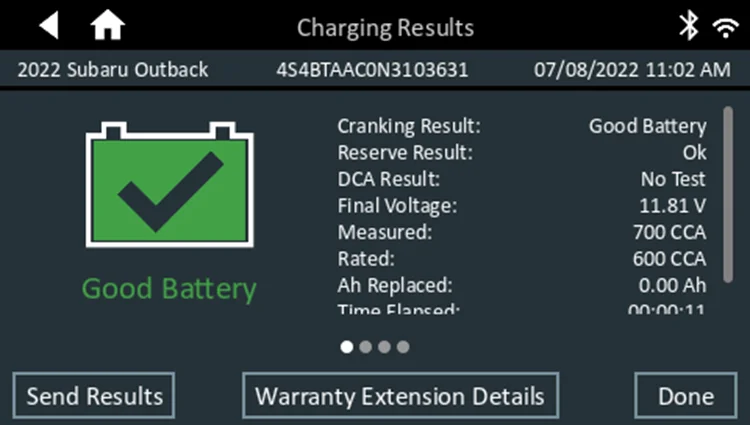
1. Connect the charger clamps to the appropriate battery posts.
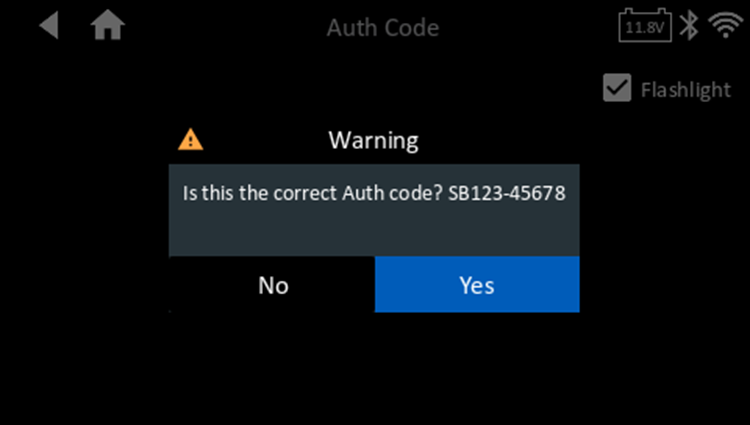
2. At the Main Menu, tap Warranty Extension. The Auth Code screen is displayed.
3. Connect the Tester Pod test clamps to the battery (Red to positive [+], Black to negative [–]).
4. Remove the Controller from the Tester Pod.
5. On the Controller at the Main Menu, tap Warranty Extension.
Graphics of the three steps required to perform the test are displayed followed by the Acquire Auth Code screen.
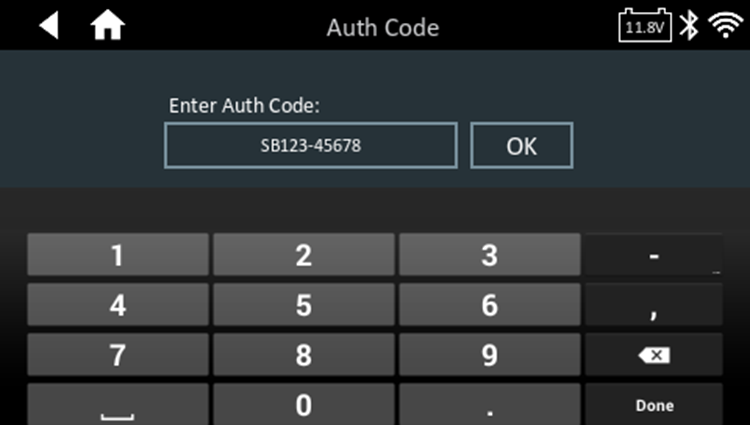
6. Use the on-screen keypad to manually type the 10-digit Auth Code and tap OK.
The digital counter will count up the alphanumeric characters as they are entered on the keypad.
7. If the displayed Auth code is correct, tap Yes to proceed with verifying the auth code and proceed to entering the VIN.